
Student Report Cards
Report Cards Access:
Please note that Midterm final report cards are not accessible from this portal.
To access your grades, all you have to do is to follow the steps:
1. Go to the web address: reportcards.ahss.edu.jo
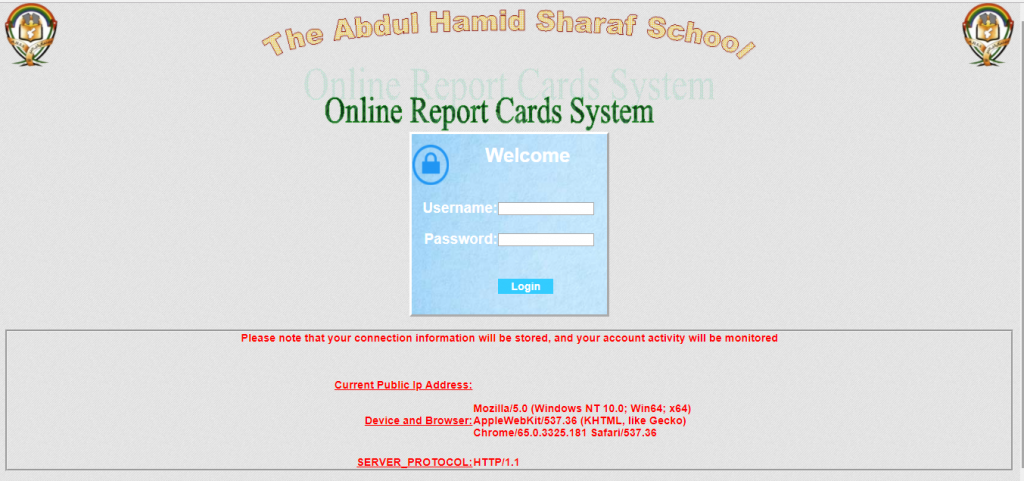
2. Type in your username and password
I. For first time users: enter the phone number in which the SMS was received to -preceded by 962 (country code)- and with no number “0” as in 96279XXXXXXX*, 96277XXXXXXX*, 0012XXXXXXXX*
*This phone number represents both the username and the password and is merely an example
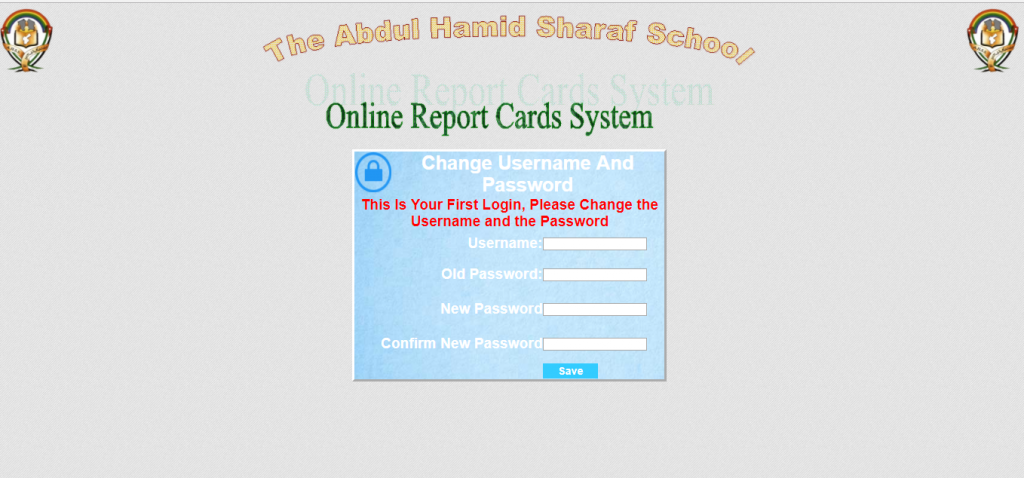
II. Upon logging in, you will be prompted to enter a new username, your old password, and to type in your new password twice.
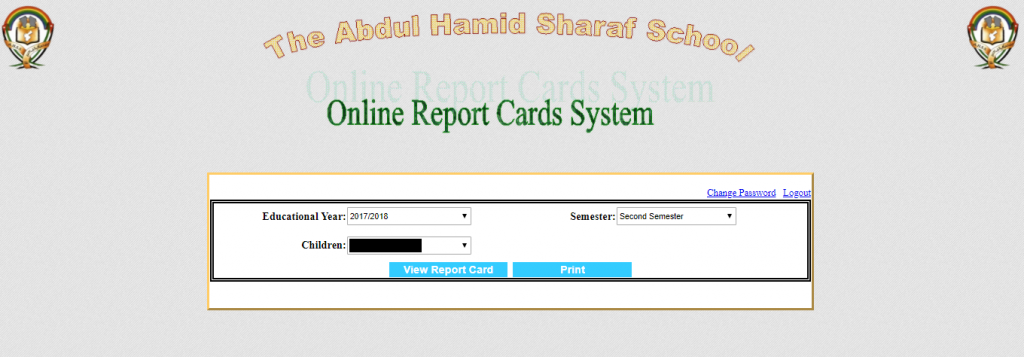
3. This screen means that the login was successful
You can now choose by the following criteria:
I. Educational Year
II. Children
III. Semester